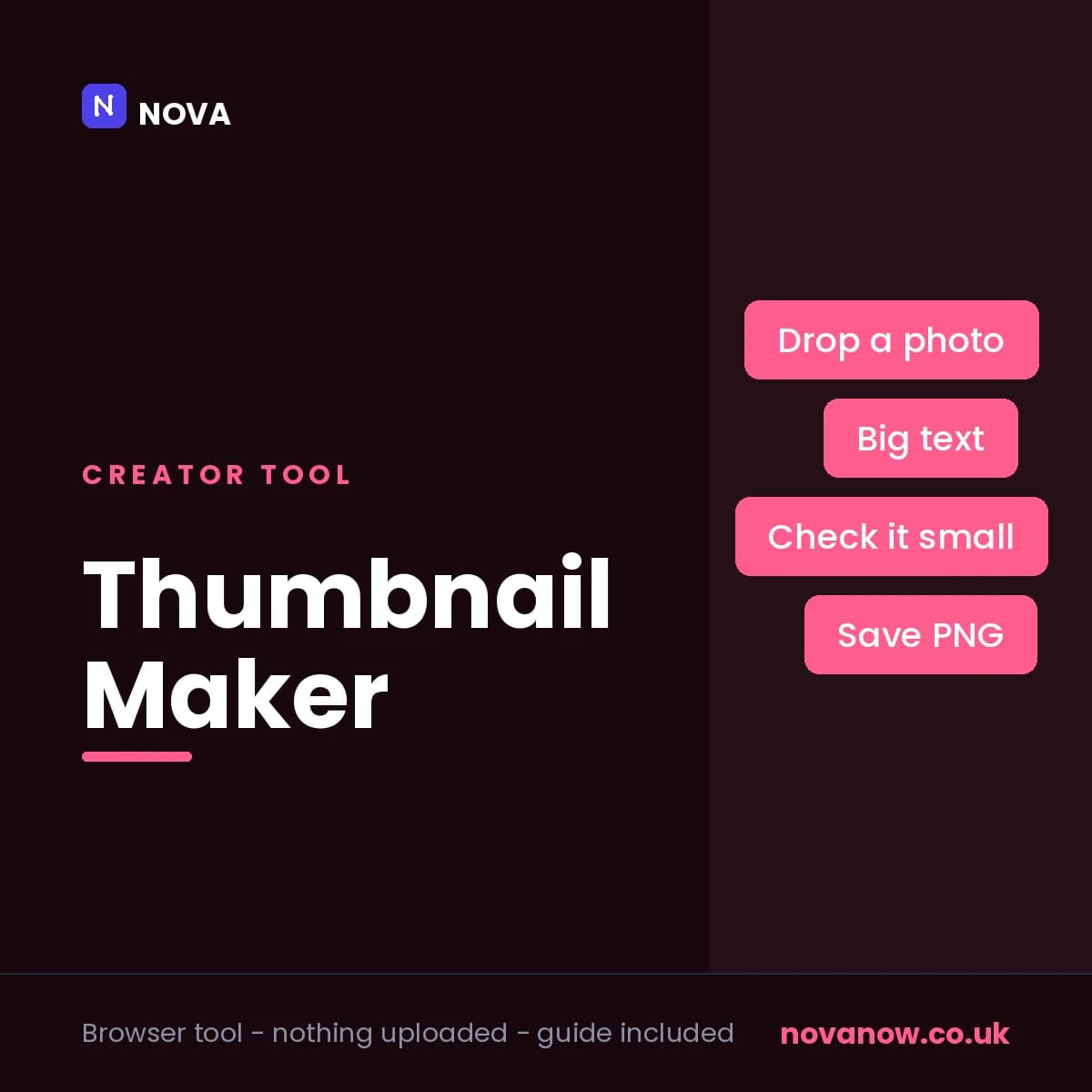
Thumbnail Maker
YouTube thumbnails, Shorts covers and podcast art, with a preview at the size people actually see them.
How you’ll receive this product
Available to download as soon as your payment is confirmed
This is delivered digitally. As soon as your payment is confirmed you will get a private link to your files on your order page. Keep the link to that page — it is where your purchase lives.
You receive
- Thumbnail Maker — thumbnail-maker.zip
- Secure Stripe checkout — we never see your card details
- Your files appear on your order page the moment payment clears
About this product
Six sizes built in: YouTube thumbnail, Shorts and TikTok, square and portrait posts, podcast cover and link preview card. Pick one and the canvas changes.
Drop in a photograph and choose whether it fills the frame or sits as a cut-out down one side, with sliders for size and position and a dimmer so your text stays readable over it.
The text is the part most thumbnail tools get wrong. This one gives you a proper thick outline, a second smaller line that can sit in a coloured pill, and the ability to pick out a single word in a different colour - which is the trick behind most thumbnails that work.
Underneath the canvas sit two small previews: your thumbnail at 210 pixels wide, which is the size of a YouTube sidebar, and at 120, which is roughly a phone. This is the feature the whole tool is built around. A thumbnail is designed full size and seen tiny, and the only honest way to know whether yours works is to look at it small while you make it.
Saves as a PNG at full resolution. Nothing is uploaded and there is no watermark.
Comes with a three-page setup guide: how many words survive at thumbnail size, what the outline is for, and the mistakes that only show up once the video is published.
Features
- Six sizes: YouTube, Shorts and TikTok, square, portrait, podcast, link card
- A live preview at 210px and 120px - the sizes people really see
- Photographs that fill the frame or sit as a cut-out down one side
- Thick text outlines that hold up against a busy photograph
- Highlight a single word in its own colour
- A second line of text, plain or in a coloured pill
- Gradient or flat backgrounds in your own colours
- Full-resolution PNG, no watermark, nothing uploaded
Reviews
No reviews yet. If you have bought this product, yours could be the first.
You might also like
- PDFSDownload
Claude - A Complete Beginner's Guide
Zero to confident with Claude, in four pages. No jargon.
£9.00 - PDFSDownload
Autodesk 3ds Max 2026 Shortcut Guide
The complete 3ds Max 2026 default hotkey reference. 16 pages.
£2.00