Receipt Filer
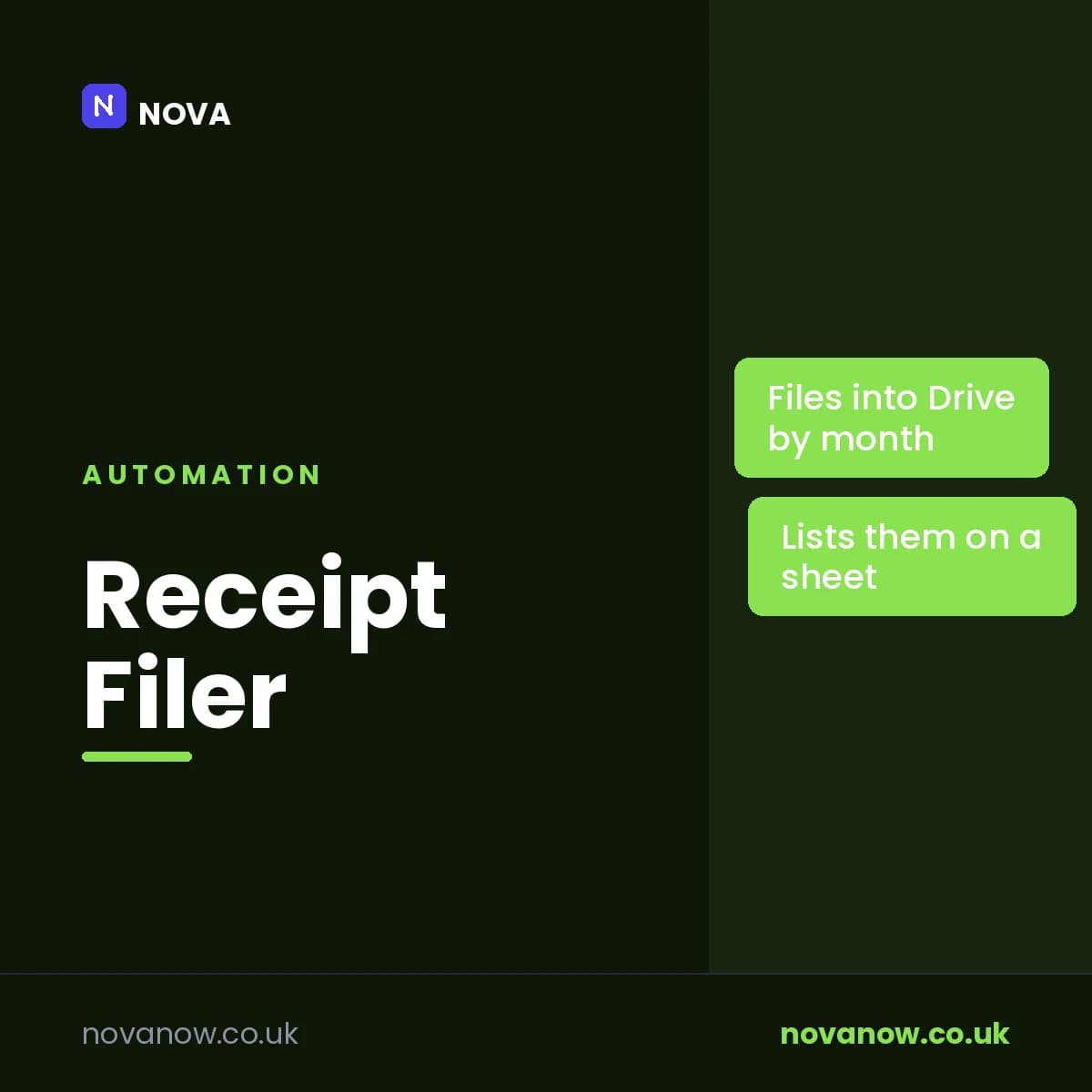
Finds receipts in your inbox, files the attachments into dated Drive folders, and lists supplier, date and amount on a sheet
How you’ll receive this product
Available to download as soon as your payment is confirmed
This is delivered digitally. As soon as your payment is confirmed you will get a private link to your files, both on your order page and by email to the address you enter at checkout.
You receive
- Receipt Filer — receipt-filer.zip
- Secure Stripe checkout — we never see your card details
- Order confirmation and access sent to your email
About this product
The receipts are all there. They are just scattered through two years of inbox, which is the same as not having them when your accountant asks.
Every morning this searches your Gmail for emails with receipts attached, saves those attachments into your Google Drive under a folder per year and per month, and writes a line on a sheet: the date, the supplier, the subject, the amount it could find, and where the file went. By the end of a quarter you have a folder that looks like a filing cabinet and a sheet you can hand over.
It reads the amount off the email, preferring a figure actually labelled as a total over the biggest number on the page - a subtotal of 400 and a total of 48 will give you 48. That is genuinely useful and genuinely a guess, which is why the column is called "Amount found", there is a Checked column next to it, and the summary email says in as many words that the figures need checking before they go near a tax return. It will not pretend to be your bookkeeper.
It ignores logos, signatures and anything that is not a document, skips files bigger than your limit, and never files the same email twice.
Features
- A folder per year and per month in your own Google Drive
- Supplier, date, subject, amount and file location, all on one sheet
- Picks the labelled total over the largest figure on the page
- Says "amount not found" rather than inventing one
- Ignores logos and signatures; skips anything over your size limit
- Never files the same email twice, and never overwrites a file already there
- Starts in test mode - everything comes to you until you say otherwise
- Keeps a log of every message it sends, so you can prove what went out and when
- A daily limit, working hours and a weekdays-only switch, all yours to set
- The wording lives on a tab in the sheet, so you change it without touching code
- Runs inside your own Google account. Nothing is sent to us or to anyone else
Reviews
No reviews yet. If you have bought this product, yours could be the first.
You might also like
- PDFSDownload
Windows Shortcut Guide
The Windows keyboard shortcuts that save the most time, in one place.
£1.00 - PDFSDownload
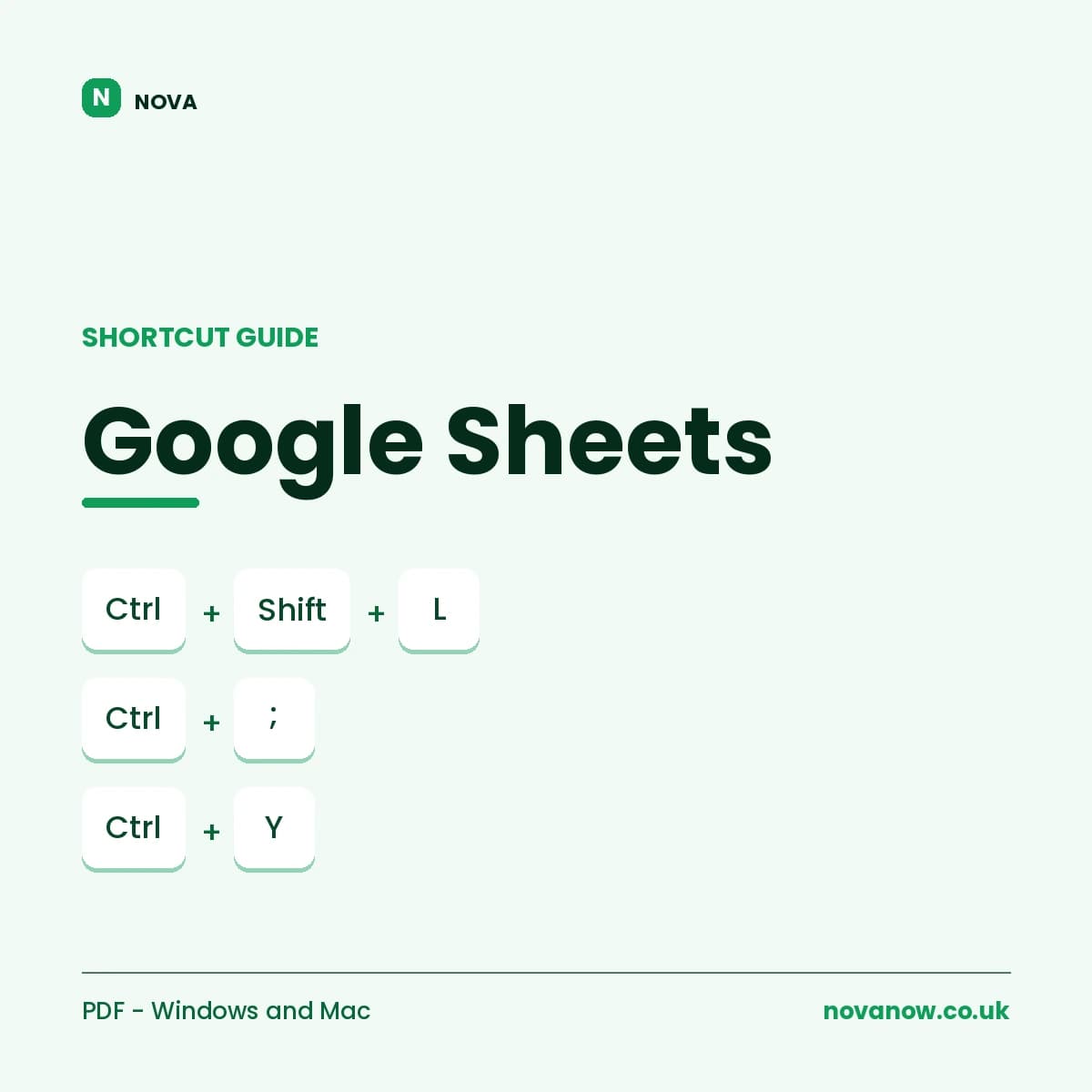
Google Sheets Shortcut Guide
Complete Google Sheets shortcut reference, Windows/ChromeOS and Mac. 6 pages.
£1.00