Weekly Business Digest
One email every Monday: what you are owed, what is overdue, what is still open, and what the week holds
How you’ll receive this product
Available to download as soon as your payment is confirmed
This is delivered digitally. As soon as your payment is confirmed you will get a private link to your files, both on your order page and by email to the address you enter at checkout.
You receive
- Weekly Business Digest — weekly-business-digest.zip
- Secure Stripe checkout — we never see your card details
- Order confirmation and access sent to your email
About this product
Most small businesses have the numbers they need, spread across four tabs nobody opens. This reads them for you and sends one email on Monday morning.
You tell it, on a tab called Digest, which of your sheets to look at and which columns matter - the amount, the date, the status, and which statuses count as still outstanding. It then totals each one, works out what is past its date, and lists the worst offenders oldest first. Underneath it puts everything in your Google Calendar for the next seven days.
It is deliberately built to read whatever sheets you already keep rather than making you keep new ones. It works particularly well alongside the other Nova automations, because their tabs are already in the right shape - but it works just as well with a sheet you made yourself years ago, as long as you tell it which columns to read.
If there is genuinely nothing to report, it sends nothing at all. An email every week that says everything is fine is an email you stop reading.
Features
- Reads sheets you already keep - you tell it which columns mean what
- Totals each section and works out what is past its date
- Lists the worst offenders oldest first, and says how many more there are
- Adds your calendar for the week ahead
- A quiet week means no email at all, unless you want one anyway
- Says plainly when a tab you asked for is missing, rather than silently skipping it
- Starts in test mode - everything comes to you until you say otherwise
- Keeps a log of every message it sends, so you can prove what went out and when
- A daily limit, working hours and a weekdays-only switch, all yours to set
- The wording lives on a tab in the sheet, so you change it without touching code
- Runs inside your own Google account. Nothing is sent to us or to anyone else
Reviews
No reviews yet. If you have bought this product, yours could be the first.
You might also like
- PDFSDownload
Windows Shortcut Guide
The Windows keyboard shortcuts that save the most time, in one place.
£1.00 - PDFSDownload
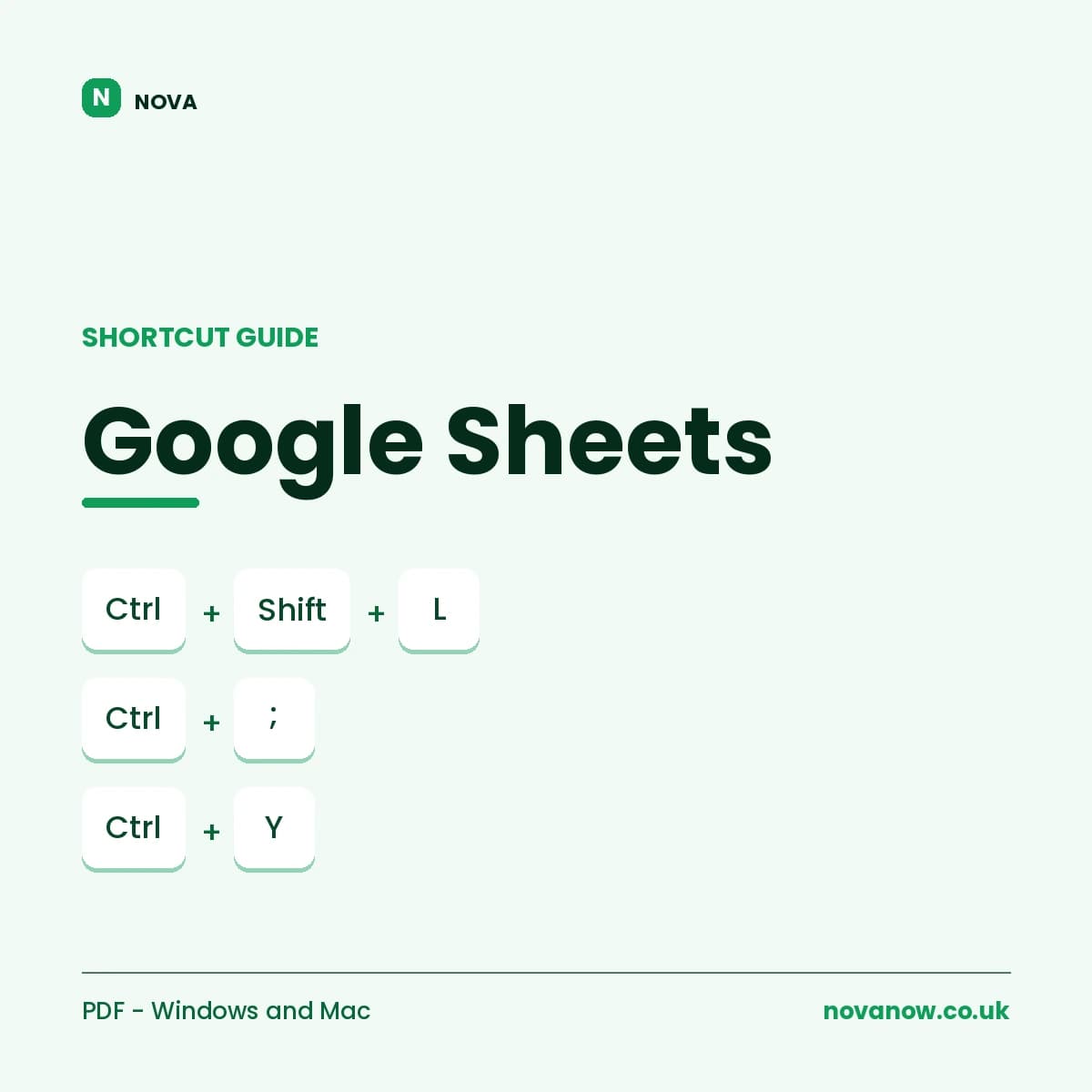
Google Sheets Shortcut Guide
Complete Google Sheets shortcut reference, Windows/ChromeOS and Mac. 6 pages.
£1.00