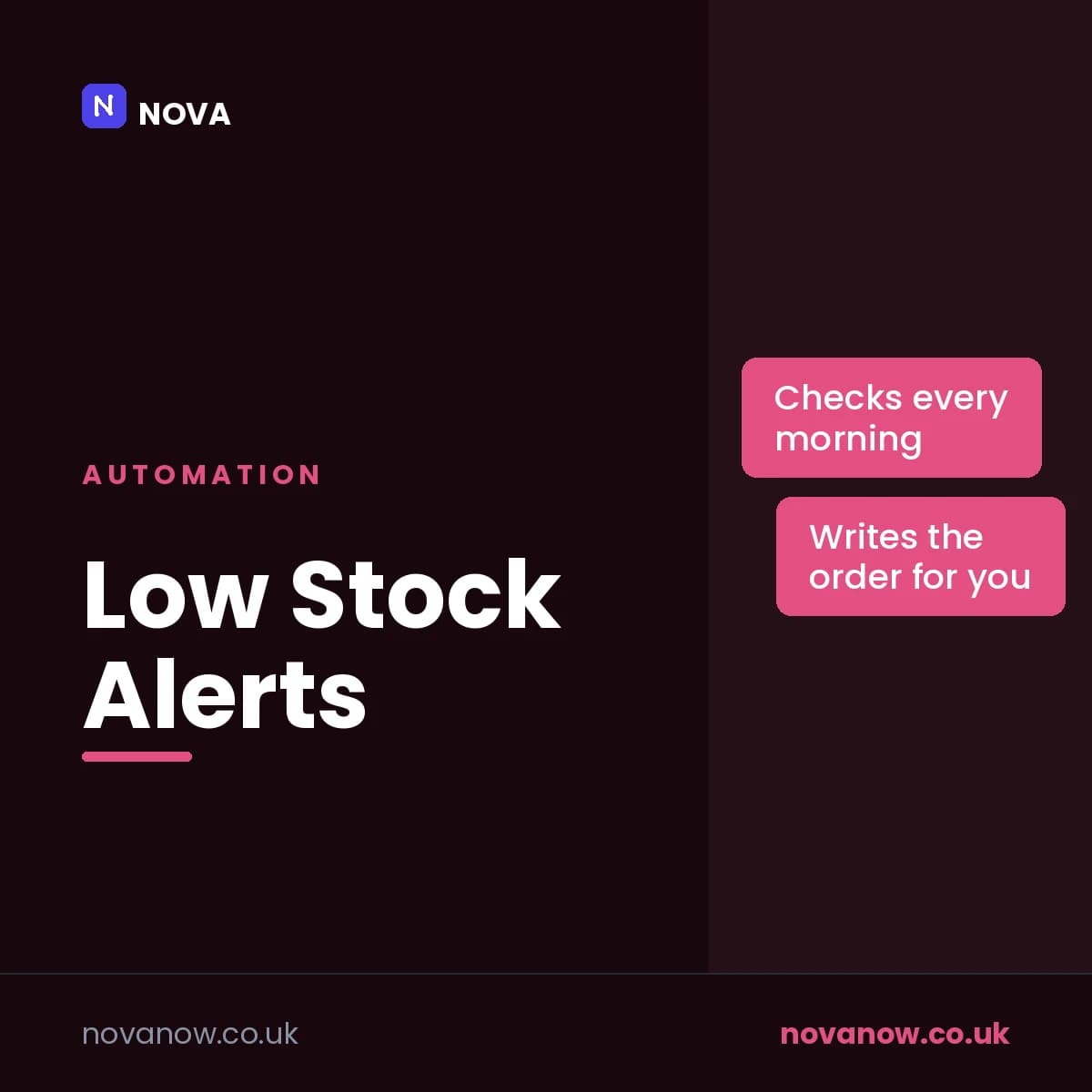
Low Stock Alerts
Watches your stock sheet and tells you the moment anything drops below its reorder point, with the order written out
How you’ll receive this product
Available to download as soon as your payment is confirmed
This is delivered digitally. As soon as your payment is confirmed you will get a private link to your files, both on your order page and by email to the address you enter at checkout.
You receive
- Low Stock Alerts — low-stock-alerts.zip
- Secure Stripe checkout — we never see your card details
- Order confirmation and access sent to your email
About this product
Finding out you are out of something from a customer who wanted it is the expensive way to manage stock.
You keep a sheet with what you hold, what your reorder point is, how many you order at a time, and who you buy it from. Every morning at seven this checks it and, if anything is at or below its reorder point, sends you one email - not one per item, one email - listing everything that needs attention, with anything at zero flagged as OUT OF STOCK.
Underneath it writes the order out for you, grouped by supplier, in the form you would send it. Copy, paste, send. If you would rather it sent those orders itself it will, but that setting starts at NO and stays there until you deliberately change it, because emailing a supplier on your behalf is not something software should do by accident.
It will not nag. Once it has told you about an item it holds off for a week - unless the level drops further, in which case you hear about it the next morning, because something getting worse is news.
Features
- One email listing everything low, not one email per item
- Anything at zero is flagged OUT OF STOCK
- The order is written out for you, grouped by supplier
- Holds off for a week after flagging an item, unless it drops further
- Sends orders to suppliers only if you deliberately switch that on
- Ignores rows where the stock level is not actually a number
- Starts in test mode - everything comes to you until you say otherwise
- Keeps a log of every message it sends, so you can prove what went out and when
- A daily limit, working hours and a weekdays-only switch, all yours to set
- The wording lives on a tab in the sheet, so you change it without touching code
- Runs inside your own Google account. Nothing is sent to us or to anyone else
Reviews
No reviews yet. If you have bought this product, yours could be the first.
You might also like
- PDFSDownload
Windows Shortcut Guide
The Windows keyboard shortcuts that save the most time, in one place.
£1.00 - PDFSDownload
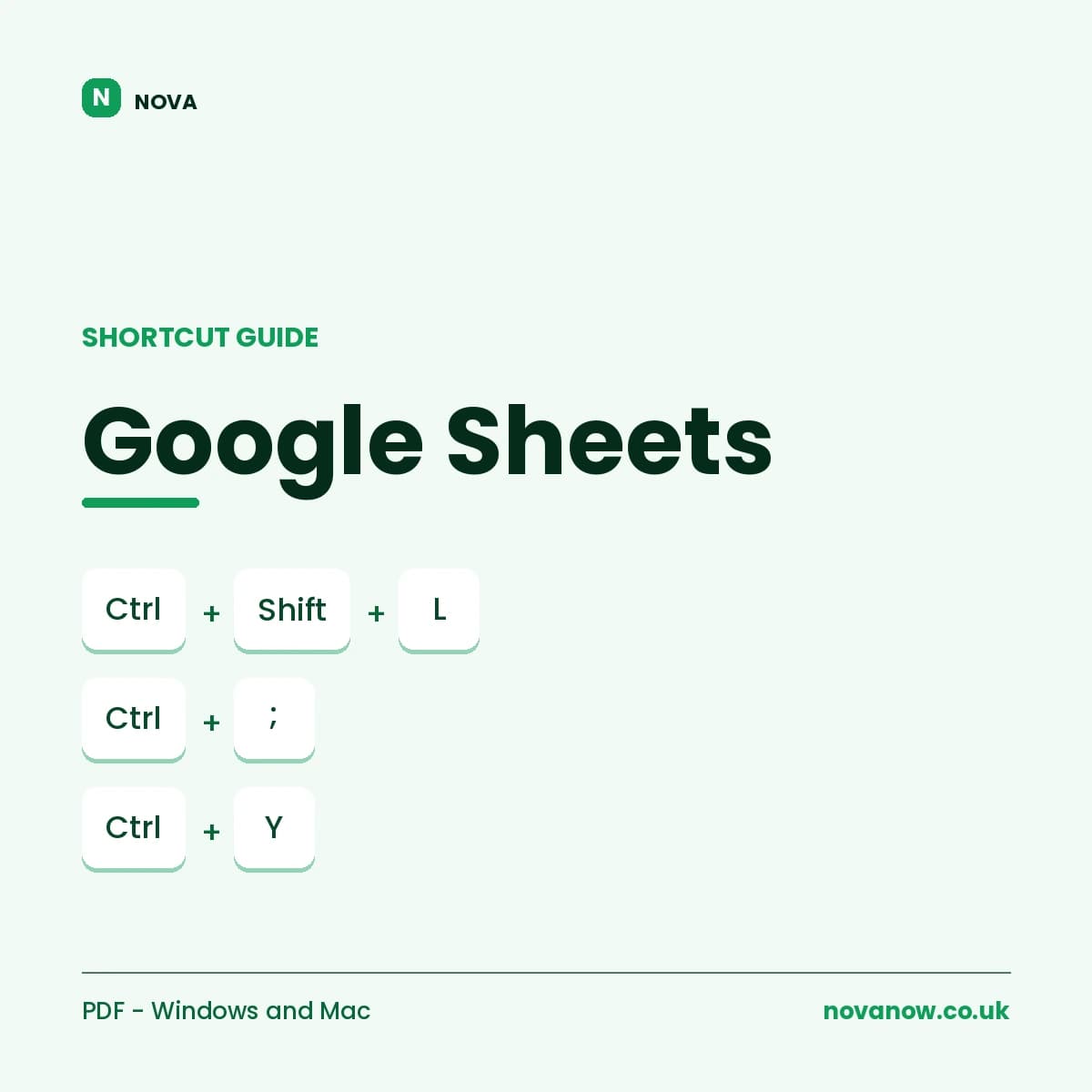
Google Sheets Shortcut Guide
Complete Google Sheets shortcut reference, Windows/ChromeOS and Mac. 6 pages.
£1.00