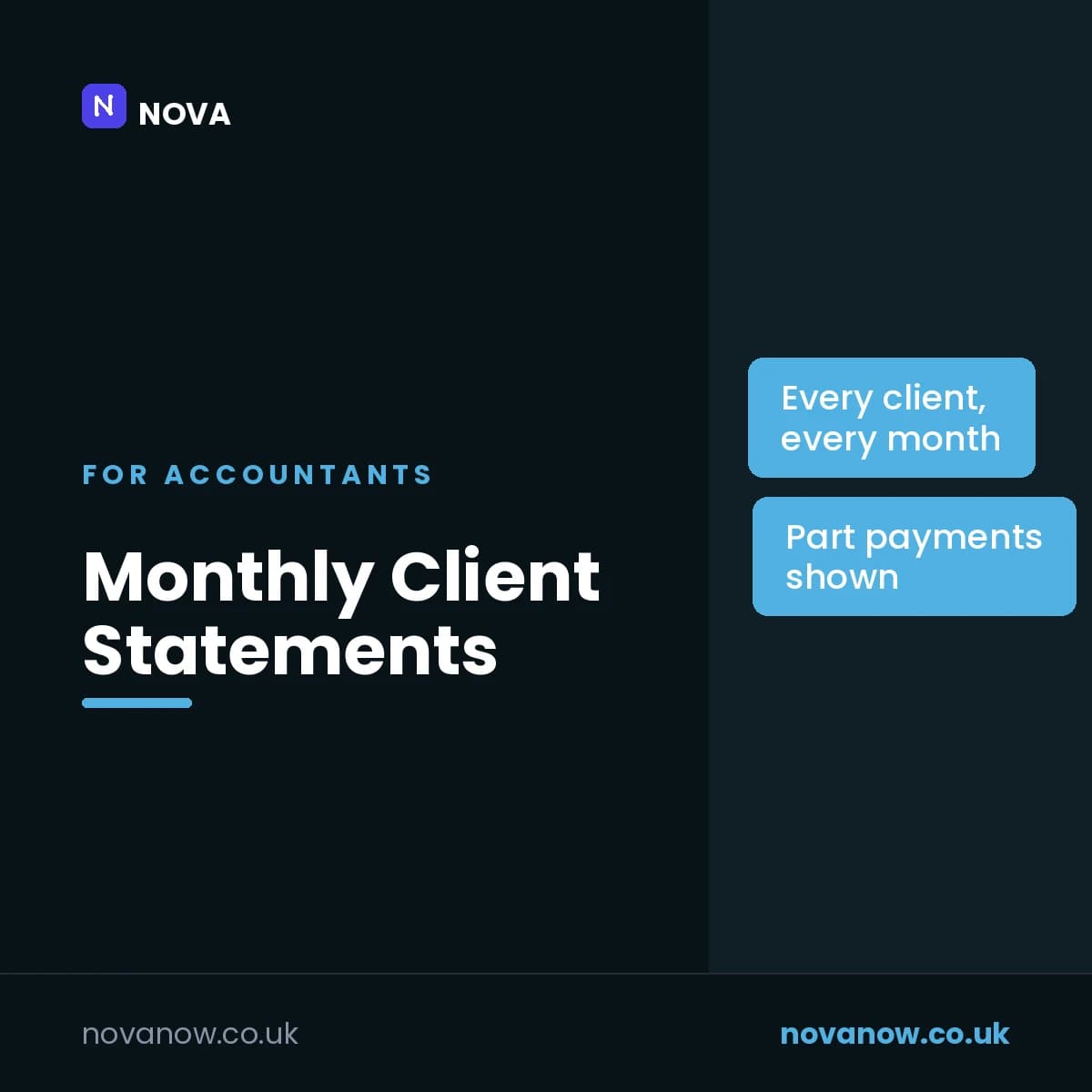
Monthly Client Statements
On the day you choose each month, emails every client who owes you a statement of their open invoices, and sends you the totals
How you’ll receive this product
Available to download as soon as your payment is confirmed
This is delivered digitally. As soon as your payment is confirmed you will get a private link to your files on your order page. Keep the link to that page — it is where your purchase lives.
You receive
- Monthly Client Statements — monthly-client-statements.zip
- Secure Stripe checkout — we never see your card details
- Your files appear on your order page the moment payment clears
About this product
A monthly statement is the politest way to get paid: no chasing, just the facts. This sends one to every client who owes you something, on the same day each month.
You keep your invoices on a sheet - or paste them in from your practice software - with what has been paid against each. On the day you choose, every client with a balance gets one statement listing each open invoice, its dates, what is still outstanding, and how many days late it is if it is overdue, with the total and the overdue total at the bottom. Part payments are shown as '£480.00 outstanding of £780.00'. You get one email with every client's balance.
It sends once a month, however many times it runs, and if it cannot send on the day - a weekend with 'Weekdays only' on - it sends on the next day it can. Paid invoices, and any marked Cancelled, Written off or Credited, are left off.
Features
- One statement per client, gathering all their open invoices
- Outstanding, overdue and part-paid amounts, with the days late
- Your summary of every balance, the same morning
- Once a month, on the day you choose - never twice
- Overdue-only, if you would rather not send a statement for invoices not yet due
- Every message is recorded against the client, the deadline and its date, so nothing is sent twice and next quarter's reminders are new ones
- Starts in test mode - everything comes to you until you say otherwise
- Warns you when a deadline lands on a weekend or bank holiday, and names the working day before
- The wording lives on a tab in the sheet, so you change it without touching code
- Runs inside your own Google account. No client data is sent to us or to anyone else
Reviews
No reviews yet. If you have bought this product, yours could be the first.
You might also like
- PDFSDownload
Windows Shortcut Guide
The Windows keyboard shortcuts that save the most time, in one place.
£1.00 - PDFSDownload
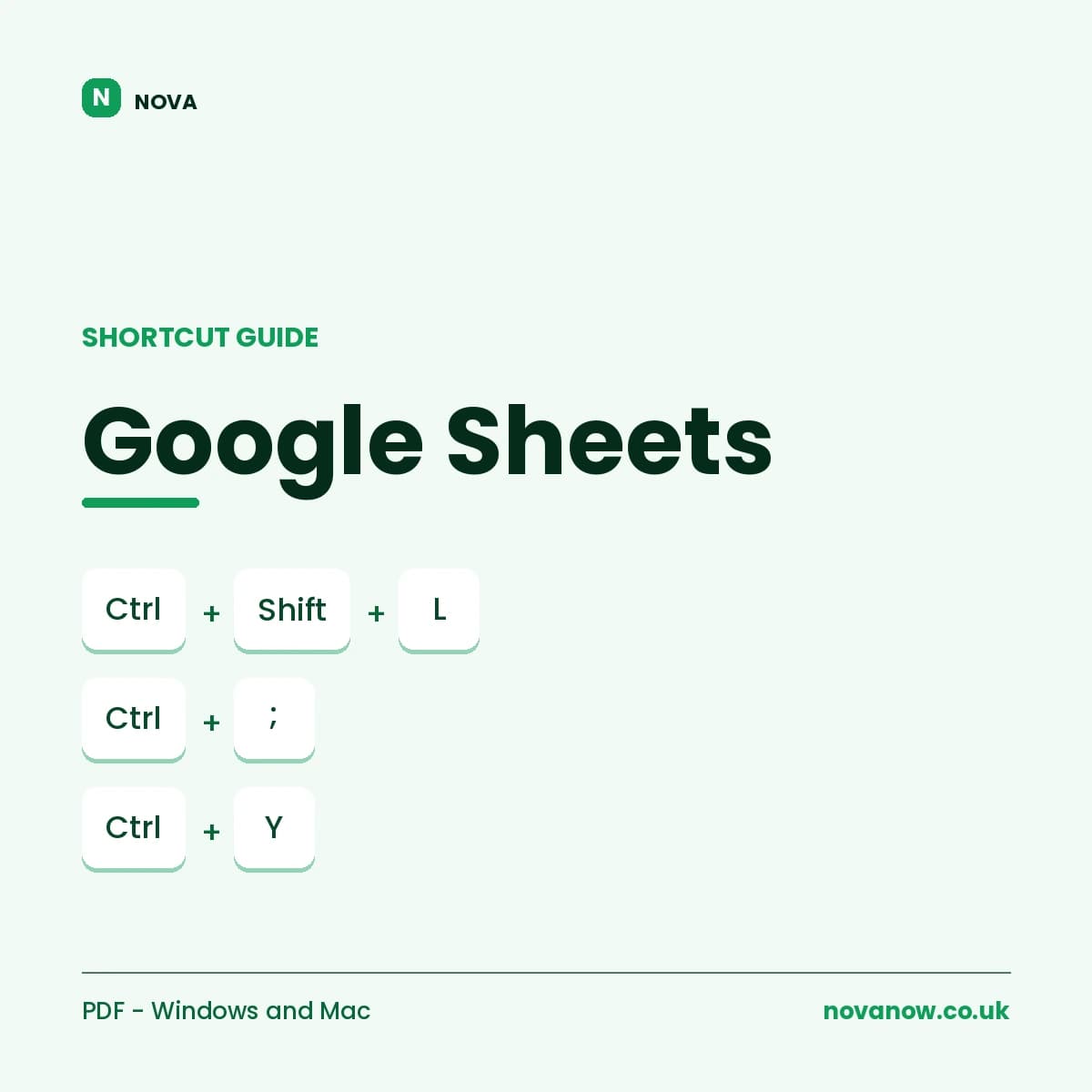
Google Sheets Shortcut Guide
Complete Google Sheets shortcut reference, Windows/ChromeOS and Mac. 6 pages.
£1.00